Functional Description
The "Position Numerbing" App numbers your lines in your desired document with the predefined setup you made using the "Position Number Setup".
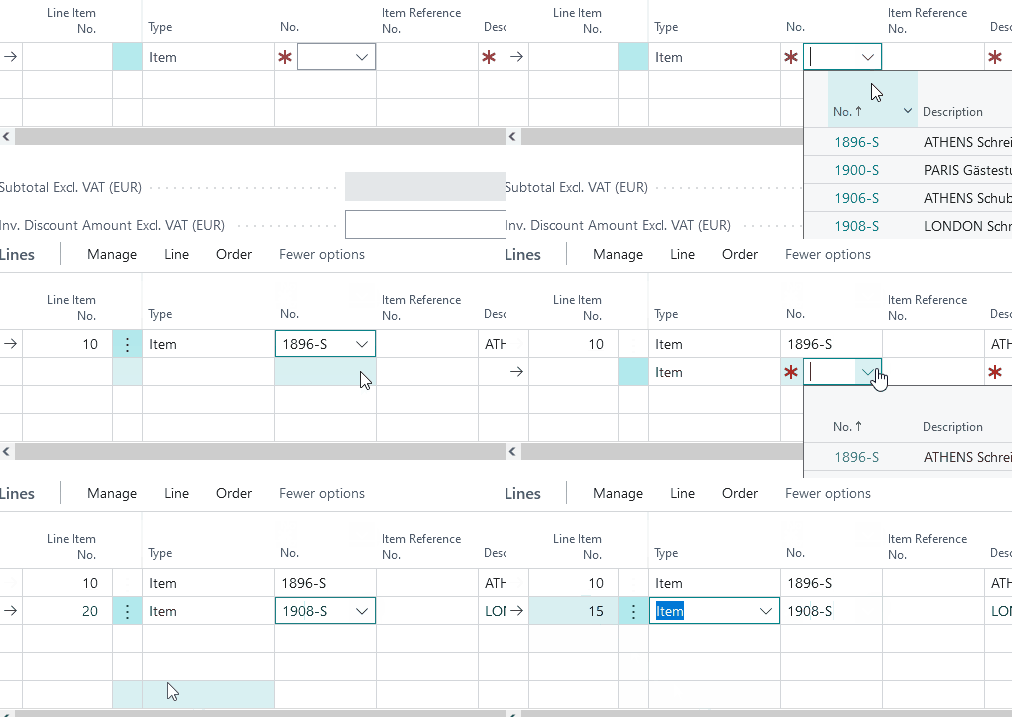
Automatic numbering
In automatic numbering, the position number is not editable. The number is entered by the system in the step length as defined in the setup.
When inserting lines from other documents ("Copy Document" function), these are numbered consecutively.
By transferring single lines of an quote into an order, a recalculation of the position numbers takes place, no 1:1 transfer.
A line taken over from other sources (e.g. copy document and copy neg. lines) is always classified according to its new position in the document.
Manual numbering
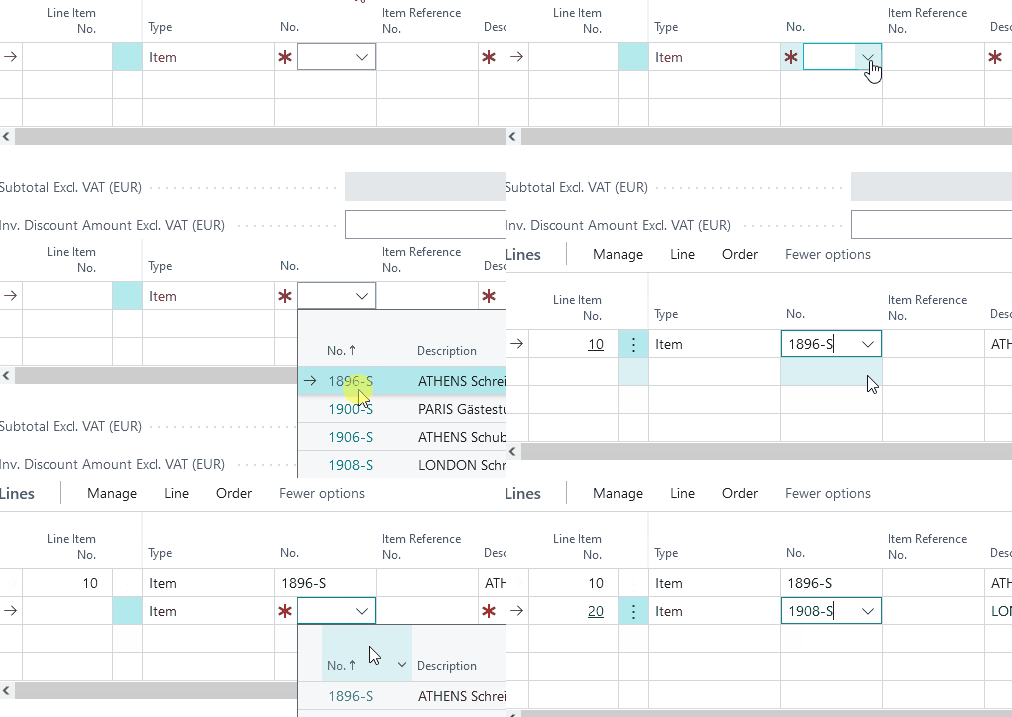
In manual numbering, the position number is editable. The system provides a number according to the setup, but it can be customized by the user.
When a line is inserted, it gets a number based on the line above it, regardless of whether the new number is higher than the following line. If you manually change the position number to 15 with a step size of 10, the following line will get the position number 25, not 20.
When reassigning the position numbers using the "Recalculate Lines" function, all manual changes will be overwritten and replaced with item numbers according to your setup.